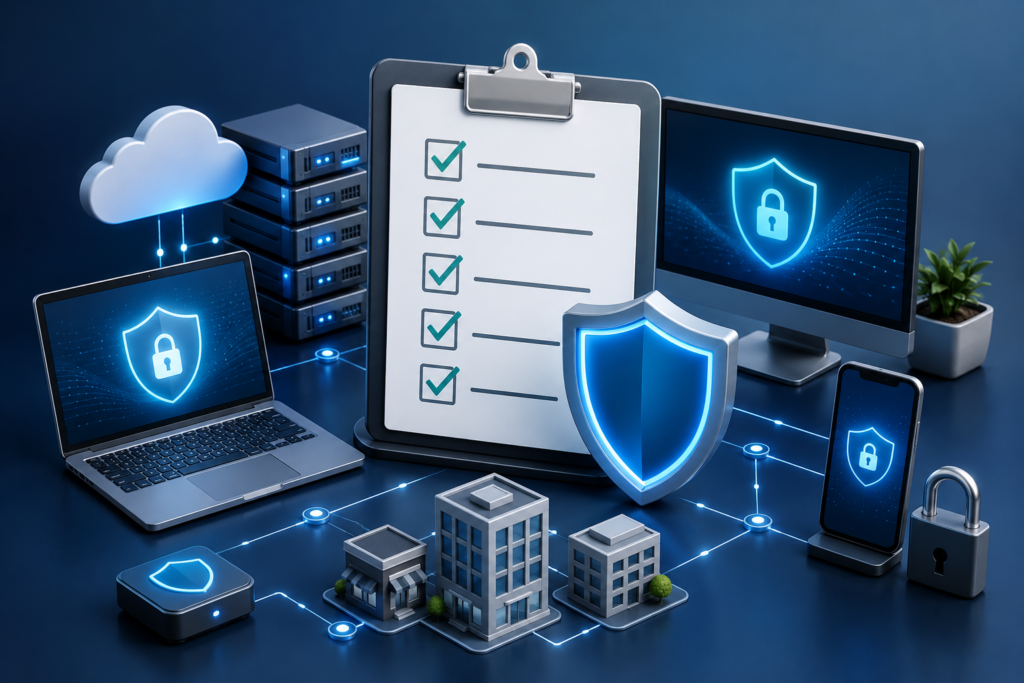
What Is a Cybersecurity Checklist for Small and Mid-Sized Businesses?
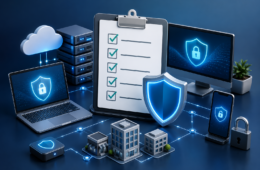
A cybersecurity checklist is a structured list of essential security practices that helps small and mid-sized businesses (SMBs) protect their digital assets, systems, and customer data from cyber threats.
Unlike complex enterprise frameworks, a cybersecurity checklist is designed to be actionable and easy to implement. It simplifies processes like cyber risk assessment and vulnerability assessment into clear steps that businesses can follow without needing a large IT team.
For example, instead of vague advice, a checklist provides direct actions such as enabling multi-factor authentication (MFA), updating software regularly, and restricting access permissions.
Why Do SMBs Need a Cybersecurity Checklist?
SMBs are prime targets for cybercriminals due to limited security infrastructure.
- According to recent industry reports, over 43% of cyberattacks target small businesses.
- Nearly 60% of SMBs shut down within six months of a major cyberattack.
- The average cost of a data breach for small businesses exceeds $120,000, which can be devastating.
A cybersecurity checklist helps SMBs:
- Reduce exposure to threats
- Standardize security practices
- Prevent financial and reputational damage
- Strengthen client trust
Without a checklist, many businesses overlook basic practices like vulnerability assessment, leaving critical systems exposed.
What Should Be Included in a Cybersecurity Checklist?
An effective cybersecurity checklist should address five key areas:
- Risk identification
- Access management
- System and network protection
- Monitoring and response
- Employee awareness
Each of these areas ties directly into your broader cyber risk assessment strategy.
How Do You Perform a Cyber Risk Assessment?
A cyber risk assessment helps identify what matters most and where your business is vulnerable.
What are your critical assets?
These typically include:
- Customer data
- Financial systems
- Internal communication tools
- Websites and applications
What threats are most likely?
Common threats include:
- Phishing attacks
- Ransomware
- Credential theft
- Insider threats
Over 90% of cyberattacks start with phishing emails, making it one of the most critical risks to address.
What is the potential impact?
Evaluate:
- Financial loss
- Operational downtime
- Legal and compliance risks
For ongoing updates on cyber threats and trends check industry insights of OnionGrid
What Is a Vulnerability Assessment and Why Is It Important?
A vulnerability assessment scans your systems for weaknesses before attackers can exploit them.
It typically identifies:
- Outdated software
- Weak passwords
- Misconfigured servers
- Open network ports
Businesses that perform regular vulnerability assessments reduce breach risks by up to 70% compared to those that don’t.
For example, an outdated plugin on your website can act as a gateway for attackers. Regular scans help detect and fix such issues early.
What Are the Essential Steps in a Cybersecurity Checklist?
Here is a practical, question-based cybersecurity checklist designed for SMBs:
Are All Your Systems Updated Regularly?
Outdated systems are one of the easiest ways for attackers to gain access.
Checklist actions:
- Enable automatic updates
- Patch operating systems weekly
- Update third-party tools and plugins
Around 60% of breaches are linked to unpatched vulnerabilities.
Do You Use Strong Authentication Methods?
Weak credentials are a major security risk.
Checklist actions:
- Enforce strong password policies
- Enable multi-factor authentication (MFA)
- Use password managers
MFA can block over 99% of automated cyberattacks.
Is Access Control Properly Managed?
Limiting access reduces internal and external risks.
Checklist actions:
- Implement role-based access control (RBAC)
- Remove inactive accounts
- Restrict admin privileges
Is Your Network Secure?
Your network infrastructure must be protected.
Checklist actions:
- Install firewalls
- Use secure Wi-Fi encryption
- Segment sensitive data networks
Are You Backing Up Data Regularly?
Backups are essential for recovery after attacks.
Checklist actions:
- Automate backups
- Store data offsite or in the cloud
- Test recovery processes
Ransomware attacks increased by over 70% in recent years, making backups critical.
Do You Have Endpoint Protection in Place?
Endpoints are frequent attack vectors.
Checklist actions:
- Install antivirus and anti-malware tools
- Monitor device activity
- Encrypt devices
Are Employees Trained in Cybersecurity Awareness?
Employees are often the weakest link.
Checklist actions:
- Conduct phishing simulations
- Provide regular training
- Educate on social engineering
Human error contributes to over 80% of security breaches.
Do You Monitor and Respond to Threats?
Early detection can prevent major damage.
Checklist actions:
- Use real-time monitoring tools
- Deploy intrusion detection systems
- Create an incident response plan
Are You Compliant with Industry Standards?
Compliance improves trust and reduces risk.
Checklist actions:
- Follow relevant regulations (GDPR, HIPAA, etc.)
- Document policies
- Conduct audits
Do You Work with Professional Cyber Security Services?
Many SMBs benefit from expert support.
Cyber security services help with:
- Threat monitoring
- Risk assessments
- Compliance management
- Incident response
Explore professional solutions here.
Also, as your strategy matures, integrating advanced cyber security services into your operations ensures scalability and long-term protection.
How Often Should You Update Your Cybersecurity Checklist?
Cybersecurity is an ongoing process.
Recommended frequency:
- Monthly: Review updates and access
- Quarterly: Conduct vulnerability assessment
- Annually: Full cyber risk assessment
Regular updates ensure your checklist stays aligned with evolving threats.
What Are Common Mistakes SMBs Make in Cybersecurity?
Avoid these common issues:
- Ignoring basic security practices
- Delaying software updates
- Using weak passwords
- Skipping employee training
- Not performing regular vulnerability assessment
Even a simple cybersecurity checklist can prevent the majority of these mistakes.
How Can SMBs Get Started Quickly?
If you need immediate action, focus on:
- Enable MFA across all accounts
- Update all systems
- Back up critical data
- Perform a basic vulnerability assessment
- Train employees on phishing risks
These steps can significantly reduce your exposure within days.
When Should You Seek Expert Help?
Consider expert support if:
- You lack in-house expertise
- You manage sensitive data
- You need compliance certification
- You’ve experienced a breach
For tailored guidance, connect here
How Does a Cybersecurity Checklist Support Business Growth?
Cybersecurity is not just protection—it’s a business advantage.
Benefits include:
- Increased customer trust
- Competitive differentiation
- Reduced downtime
- Stronger compliance positioning
Businesses that proactively follow a cybersecurity checklist are better positioned to scale securely and confidently.
People Also Ask
What is the difference between a cybersecurity checklist and a vulnerability assessment?
A checklist provides actionable steps, while a vulnerability assessment identifies system weaknesses.
How often should SMBs conduct cyber risk assessments?
At least once a year, or whenever major system changes occur.
Are free cybersecurity tools sufficient for small businesses?
They can help with basics, but growing businesses often need advanced solutions.
What industries need cybersecurity the most?
Healthcare, finance, eCommerce, and SaaS businesses are especially high-risk.
Can cybersecurity improve customer trust?
Yes, strong security practices increase credibility and client confidence.