 5.0
5.0

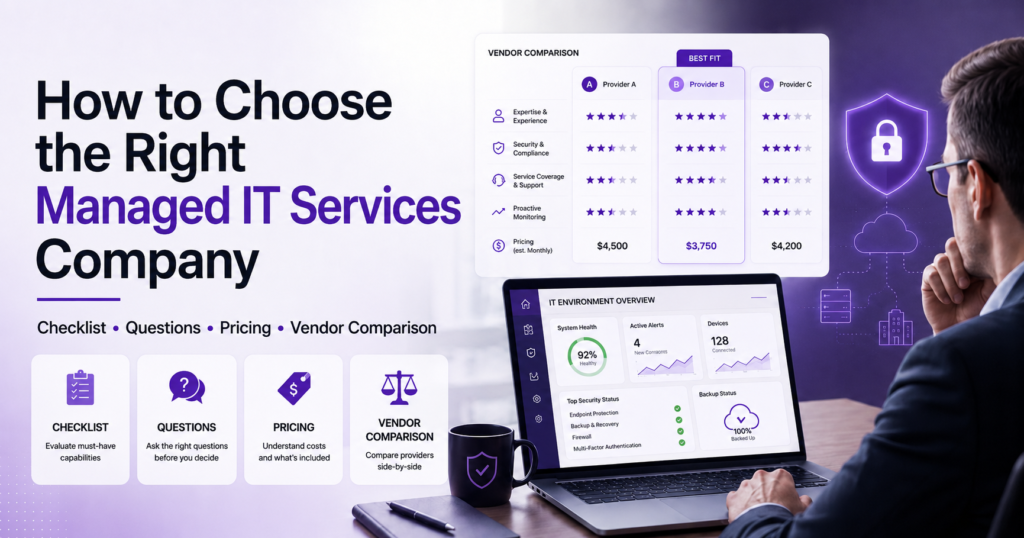
How to Choose the Right Managed IT Services Provider for Your Business
TLDR
Choosing a Managed IT Services Provider (MSP) is one of the most important technology decisions a business can make. The right partner helps reduce downtime, improve cybersecurity, support growth, and provide predictable IT costs.
Before signing with a managed IT services company, make sure you:
✔ Review service level agreements (SLAs)
✔ Understand cybersecurity capabilities
✔ Verify backup and disaster recovery processes
✔ Check industry experience
✔ Compare response times and reporting standards
✔ Confirm pricing transparency
✔ Evaluate scalability and long-term support
✔ Speak with customer references
The cheapest provider is rarely the best choice. Focus on outcomes, expertise, security, and accountability.
Why Choosing the Right Managed IT Services Provider Matters
For many businesses, technology is now the backbone of daily operations. When systems go down, employees lose productivity, customers experience delays, and revenue can be impacted.
The demand for outsourced IT expertise continues to grow. According to Grand View Research, the global managed services market was valued at approximately $401 billion in 2025 and is projected to exceed $847 billion by 2033, reflecting how organizations increasingly rely on managed service providers to support cybersecurity, cloud infrastructure, and business operations.
This growth is being driven by several factors, including rising cybersecurity threats, increasing cloud adoption, IT talent shortages, and the need for predictable technology costs. Research also shows that small and medium-sized businesses are among the fastest-growing adopters of managed services as they seek enterprise-level expertise without building large internal IT teams.
If you are skeptical about managed services, check out this guide to get the complete picture.
A managed IT services company should do more than fix issues when they occur. The right provider proactively monitors systems, reduces risk, strengthens security, and helps align technology with business goals.
Before committing to a long-term agreement, here are the key questions every business should ask.
What Does a Good Managed IT Services Company Actually Do?
A good managed IT services company is proactive rather than reactive.
Instead of waiting for systems to fail, they continuously monitor infrastructure, apply security updates, manage backups, support users, and help plan future technology investments.
Modern MSPs typically provide:
- 24/7 monitoring
- Help desk support
- Endpoint management
- Backup and disaster recovery
- Cybersecurity services
- Cloud management
- Network management
- Strategic IT planning
The best providers act as an extension of your business rather than simply a third-party vendor.
What Services Should Be Included in a Managed IT Agreement?
Every managed services agreement should clearly define exactly what is included.
At a minimum, businesses should expect:
Core Managed IT Services
- 24/7 system monitoring
- IT Staff shortage
- Help desk and user support
- Patch management
- Endpoint management
- Network monitoring
- Backup and disaster recovery
- Security management
- Vendor coordination
High-Value Services
- Security awareness training
- Multi-factor authentication (MFA)
- Vulnerability management
- Cloud infrastructure support
- Microsoft 365 management
- Business continuity planning
- Compliance support
If a service is not explicitly documented in the agreement, assume it is not included.
What Results Should You Expect from a Managed IT Services Provider?
Many businesses focus only on services and pricing.
A better question is:
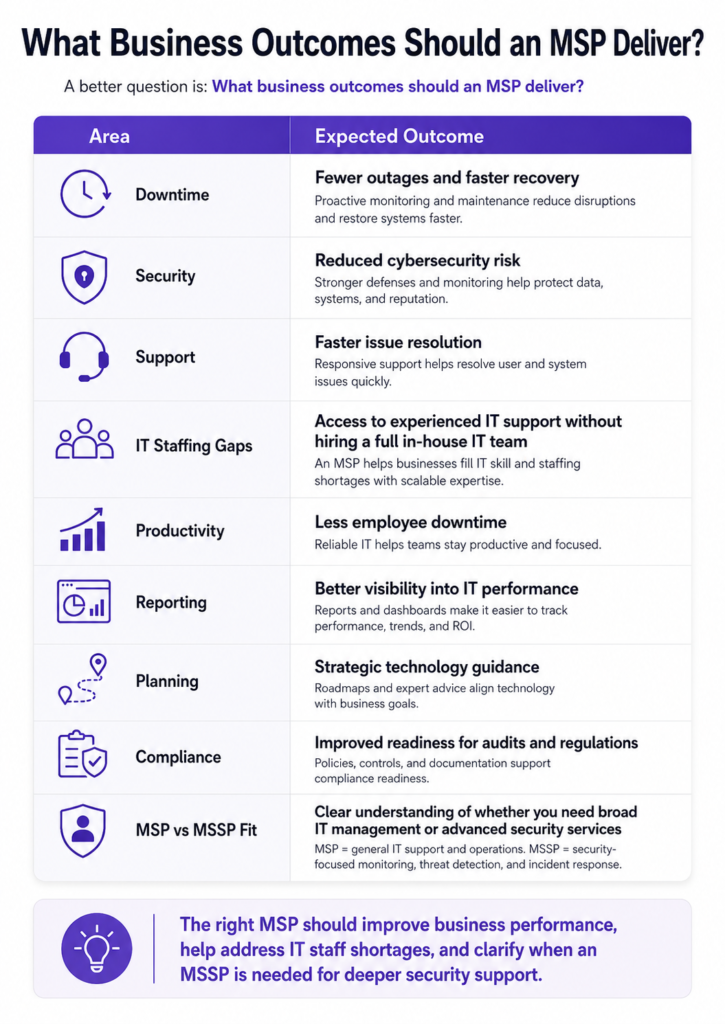
What business outcomes should an MSP deliver?
Area | Expected Outcome |
Downtime | Fewer outages and faster recovery |
Security | Reduced cybersecurity risk |
Support | Faster issue resolution |
IT Staffing Gaps | Access to experienced IT support without hiring a full in-house IT team |
Productivity | Less employee downtime |
Reporting | Better visibility into IT performance |
Planning | Strategic technology guidance |
Compliance | Improved readiness for audits and regulations |
MSP vs MSSP Fit | Clear understanding of whether your business needs general IT management from an MSP or advanced security monitoring from an MSSP |
The right MSP should improve business performance—not just maintain technology.
How Do You Evaluate a Managed IT Services Provider?
The best approach is to use objective selection criteria rather than relying on sales presentations.
Managed Services Selection Criteria
Evaluate providers based on:
- Response times
- SLA commitments
- Cybersecurity maturity
- Industry experience
- Reporting capabilities
- Scalability
- Strategic guidance
- Contract flexibility
- Customer references
- Pricing transparency
Ask vendors to provide evidence, not promises.
Examples include:
- Sample reports
- SLA documentation
- Security frameworks
- Client references
- Incident response procedures
What Questions Should You Ask a Managed IT Services Provider?
These questions can quickly separate strong providers from weak ones.
- What systems do you monitor 24/7?
Understand exactly what is being monitored and what happens when issues are detected.
- What are your guaranteed response times?
Ask to see documented SLAs.
- How do you protect against ransomware and cyber threats?
Look for:
- MFA
- Endpoint Detection and Response (EDR)
- Security monitoring
- Email security
- Vulnerability management
- What does your backup and disaster recovery process include?
Ask how often backups are tested and how quickly systems can be restored.
- How do you support cloud environments?
Many businesses rely on Microsoft 365, Azure, AWS, or hybrid infrastructure.
- Who owns strategic planning and technology roadmaps?
The best providers help plan future growth.
- What happens if we terminate the contract?
Understand data ownership, transition support, and offboarding processes before signing.
What Should Be Included in a Managed IT Services Provider Checklist?
Use this checklist when evaluating vendors.
Managed IT Services Provider Checklist
Service & Support
☐ 24/7 monitoring
☐ Help desk support
☐ Defined escalation process
☐ Guaranteed SLAs
Cybersecurity
☐ MFA implementation
☐ Endpoint protection
☐ Security monitoring
☐ Vulnerability management
Business Continuity
☐ Backup management
☐ Disaster recovery planning
☐ Recovery testing
Reporting & Strategy
☐ Monthly reporting
☐ Quarterly reviews
☐ Technology roadmap support
Commercial Terms
☐ Transparent pricing
☐ No hidden fees
☐ Reasonable contract terms
☐ Clear exit process
How Much Should Managed IT Services Cost?
Managed IT pricing varies based on:
- Number of users
- Number of devices
- Support requirements
- Security requirements
- Cloud infrastructure
- Compliance needs
Common MSP Pricing Models
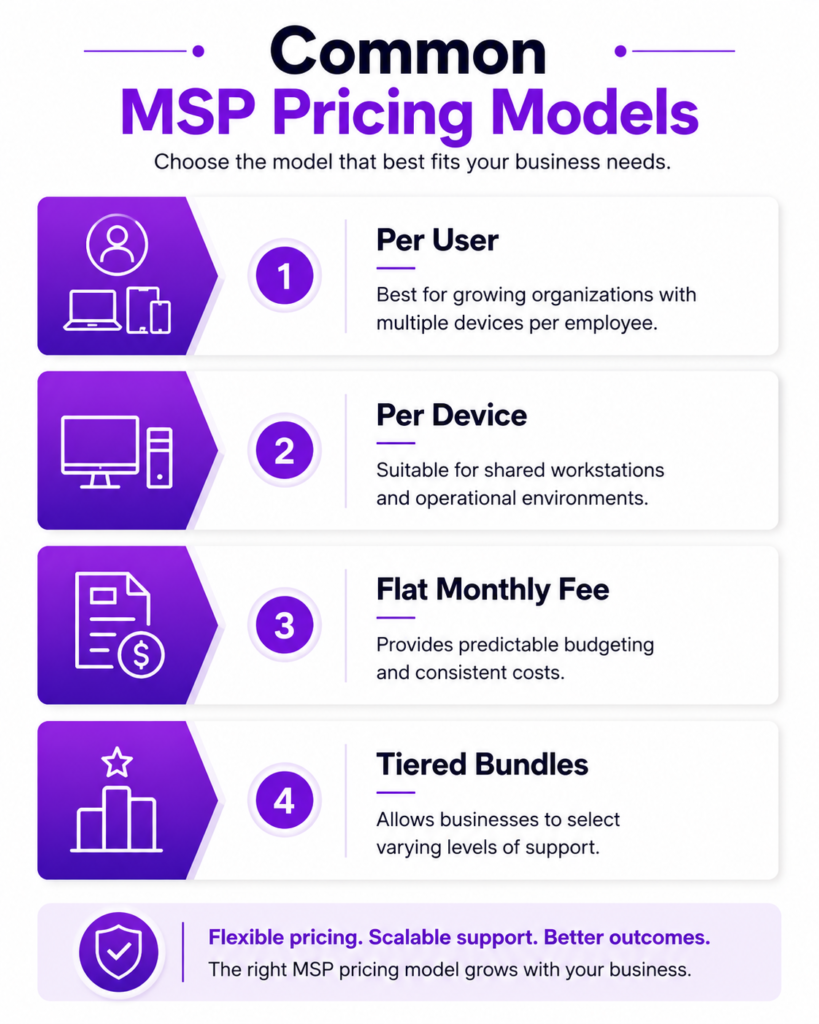
Per User
Best for growing organizations with multiple devices per employee.
Per Device
Suitable for shared workstations and operational environments.
Flat Monthly Fee
Provides predictable budgeting and consistent costs.
Tiered Bundles
Allows businesses to select varying levels of support.
The lowest-cost provider is not always the lowest-risk provider. Downtime, security incidents, and poor support can quickly become more expensive than a slightly higher monthly fee.
How Do You Compare Two Managed IT Services Companies?
Use a structured scorecard.
Criteria | What to Compare |
Response Times | SLA guarantees |
Security | EDR, MFA, monitoring |
Backup & Recovery | Testing and restoration |
Reporting | Metrics and recommendations |
Experience | Similar clients and industries |
Pricing | Transparency and exclusions |
Scalability | Growth support |
Exit Terms | Offboarding flexibility |
A scorecard creates a more objective decision-making process.
What Red Flags Should You Watch Out For?
Certain warning signs should immediately trigger deeper investigation.
Common MSP Red Flags
- No documented SLA
- Weak cybersecurity answers
- No backup testing process
- Heavy reliance on one technician
- Limited reporting
- Hidden fees
- Long-term contracts with difficult exit clauses
- Poor customer references
A strong MSP should confidently explain how they reduce downtime, improve security, and support business growth.
Why Do Businesses Switch Managed IT Providers?
Businesses commonly switch providers because:
- Slow response times
- Poor communication
- Frequent downtime
- Security concerns
- Surprise billing
- Lack of strategic guidance
- Inability to support growth
Many organizations discover that their original provider was selected based primarily on price rather than long-term value.
Final MSP Buyer Checklist
Before signing any agreement, confirm:
☐ Scope matches business needs
☐ SLAs are documented
☐ Cybersecurity controls are defined
☐ Backups are tested regularly
☐ Pricing is transparent
☐ Reporting is included
☐ Strategic reviews are offered
☐ Exit terms are reasonable
If a provider successfully meets all eight criteria, they are likely worth serious consideration.
Ready to Evaluate Your Current IT Environment?
Choosing the right managed IT services company is not about finding the cheapest provider. It is about finding a partner that can reduce risk, improve uptime, strengthen cybersecurity, and support long-term growth.
Before signing a long-term contract, it is worth understanding your current technology risks, support gaps, and future requirements.
OnionGrid helps businesses assess their IT environment, identify security vulnerabilities, improve operational resilience, and build technology strategies that support growth.
Book a Free IT Assessment and get a clear understanding of where your technology stands today.
People Also Ask
How often should a managed IT services provider review our environment?
Most businesses should expect monthly reporting and quarterly strategic reviews.
Can a managed IT services company support cloud migrations?
Yes. Most modern MSPs provide support for Microsoft 365, Azure, AWS, Google Cloud, and hybrid environments.
What is included in a typical managed services agreement?
Most agreements include monitoring, help desk support, patching, backups, cybersecurity services, and reporting.
How long does MSP onboarding take?
Most onboarding projects take between 2–8 weeks depending on complexity.
Can managed IT services help with cybersecurity compliance?
Yes. Many providers support compliance initiatives through security controls, documentation, monitoring, and audit preparation.